
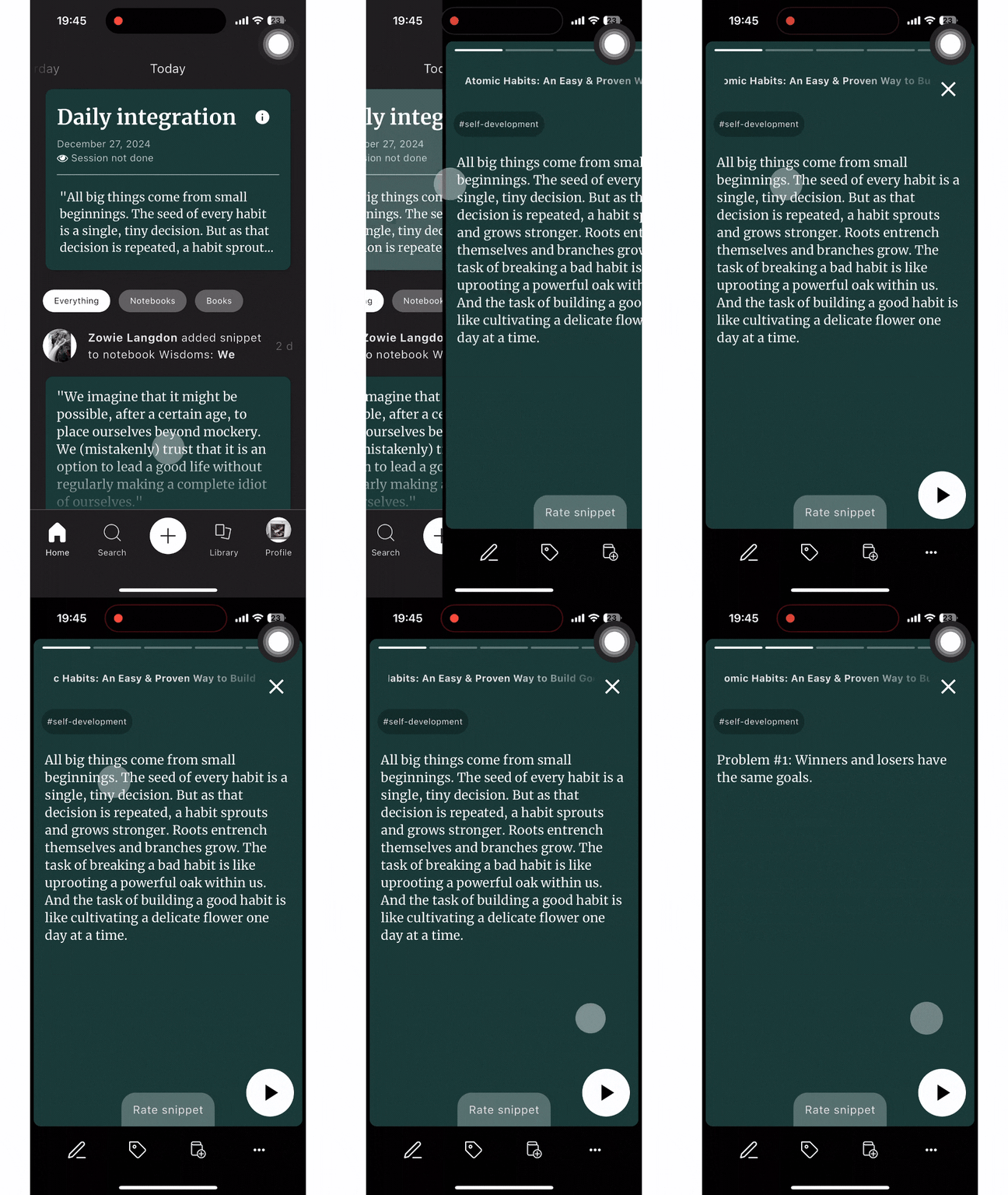
To add snippets to your Notebooks is easy, you just have to:
- Click on the ‘book with a plus button’ icon
- Select the Notebook where you want to add the snippet.
- Press ‘Save’
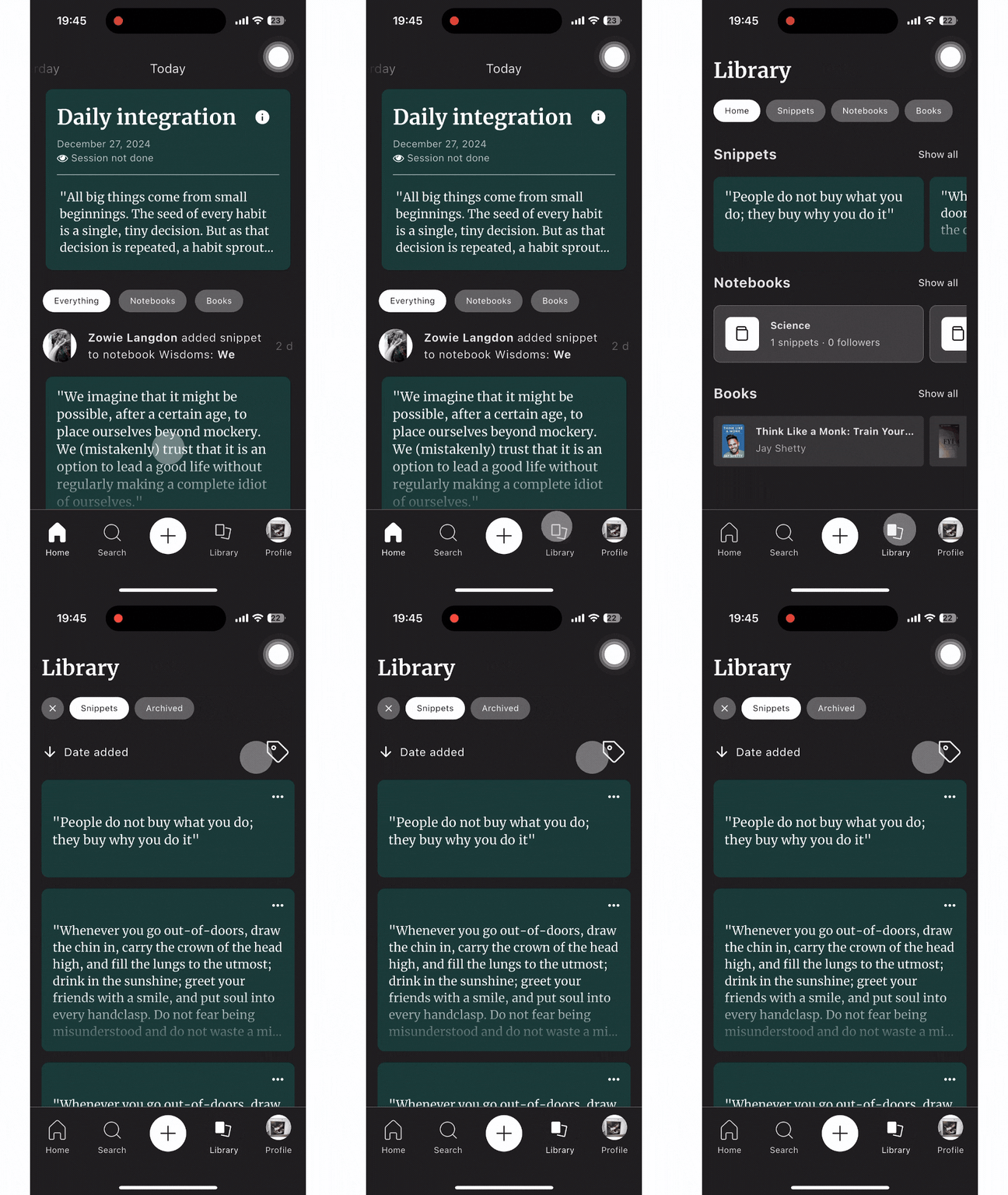
You can add snippets to your Notebooks in your Library or in your Daily Integration.
Done ;)
 Made with Bullet